Games you can play inside ChatGPT and Claude
Claude and ChatGPT can now show interactive apps inside a conversation (MCP Apps). Goatcade uses that to put a free arcade in your chat: ask for a game and it opens right there.
How it works
Goatcade is an MCP server at https://goatcade.com/mcp. Once it is added to your AI chat, saying "open Goatcade" or "I'm bored, give me a game" shows the arcade inside the conversation, with a Play button for each game. The assistant can also list the games and recommend one.
Add it to Claude
In Claude, open Settings → Connectors → Add custom connector, name it Goatcade and paste https://goatcade.com/mcp. No sign-in is needed.
Add it to ChatGPT
In ChatGPT, turn on Developer mode in the Apps settings, then add an app with the URL https://goatcade.com/mcp and no authentication.
What you can play
Last Siren (survival city builder), Scrap Fury (combat racing), Rad Rush (horde survival) and Nuke Deck (roguelike deckbuilder). All free, no account, no ads.
FAQ
Can you play games in ChatGPT?
Yes. ChatGPT can show interactive apps in the chat. Add Goatcade with the URL https://goatcade.com/mcp and ask it for a game.
Can Claude play games with me?
Claude can open Goatcade's arcade inside the conversation once you add it as a custom connector at https://goatcade.com/mcp.
Does it cost anything?
No. Goatcade and its games are free, with no sign-up.
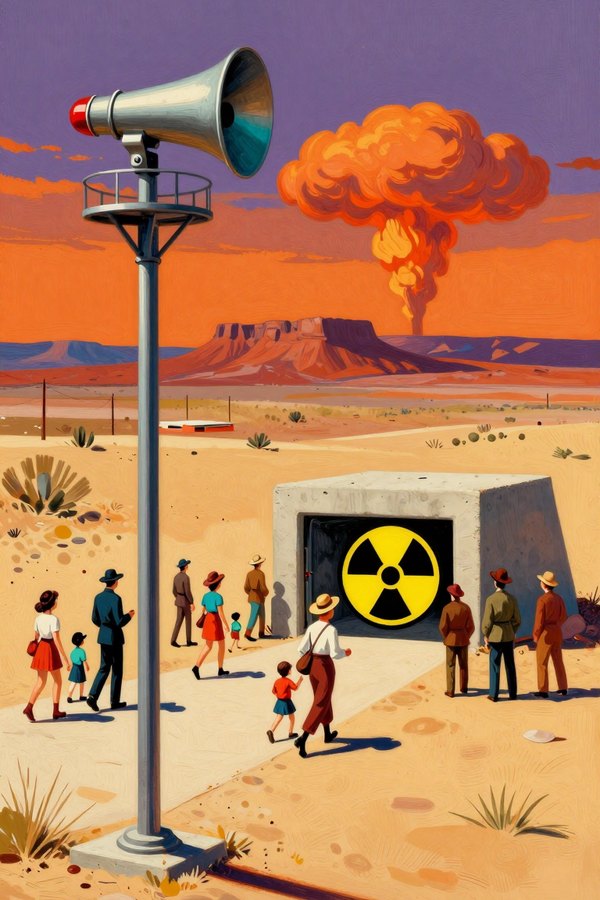 ▶ Play
Nuclear survival city builder
Last SirenAtomic-age survival city builder
▶ Play
Nuclear survival city builder
Last SirenAtomic-age survival city builder
 ▶ Play
3D combat racing
Scrap FuryWasteland combat racer
▶ Play
3D combat racing
Scrap FuryWasteland combat racer
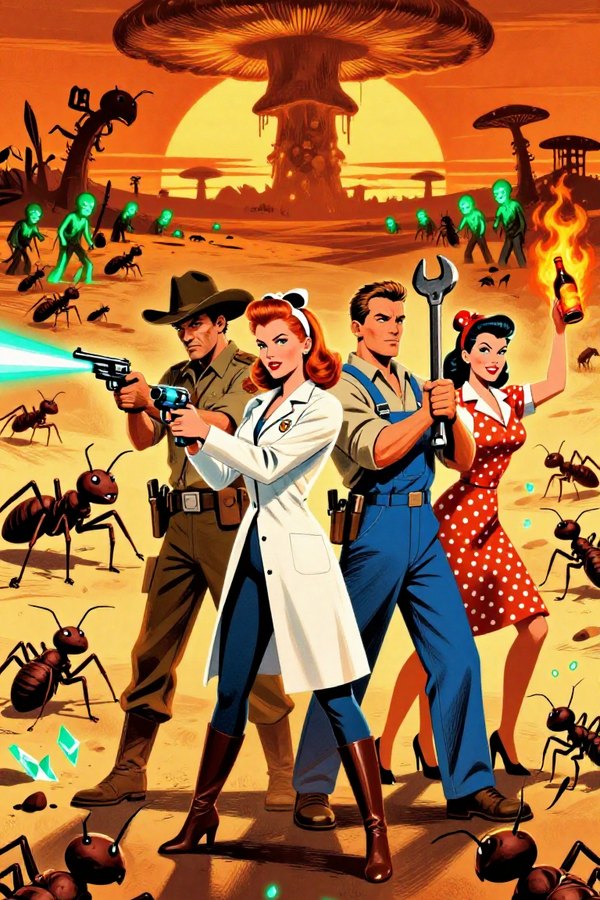 ▶ Play
Survivors-like action roguelite
Rad RushAtomic-age horde survival
▶ Play
Survivors-like action roguelite
Rad RushAtomic-age horde survival
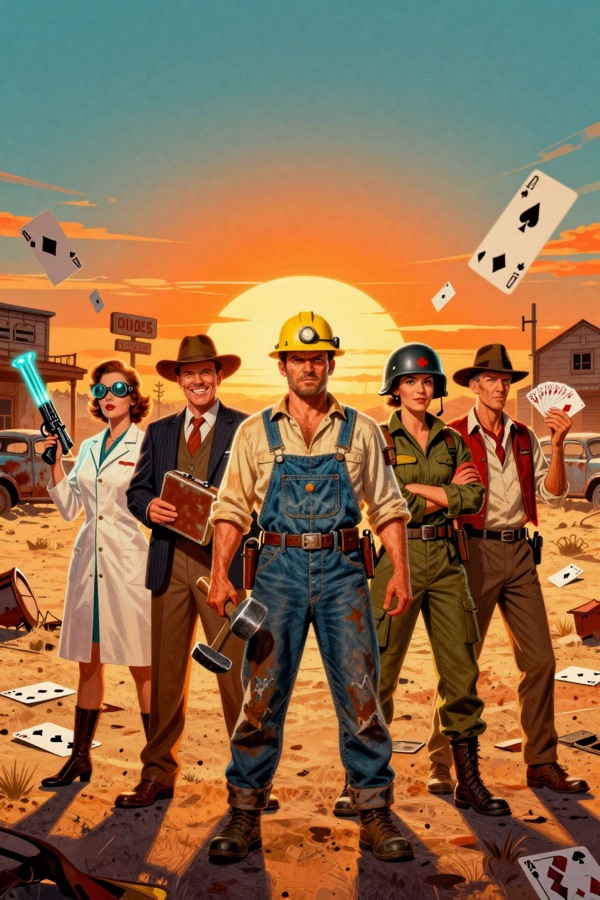 ▶ Play
Roguelike deckbuilder
Nuke DeckAtomic-age roguelike deckbuilder
▶ Play
Roguelike deckbuilder
Nuke DeckAtomic-age roguelike deckbuilder
Only real, finished games make it into the arcade.